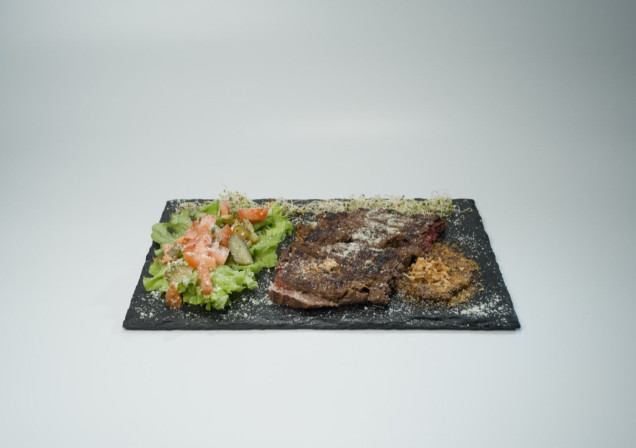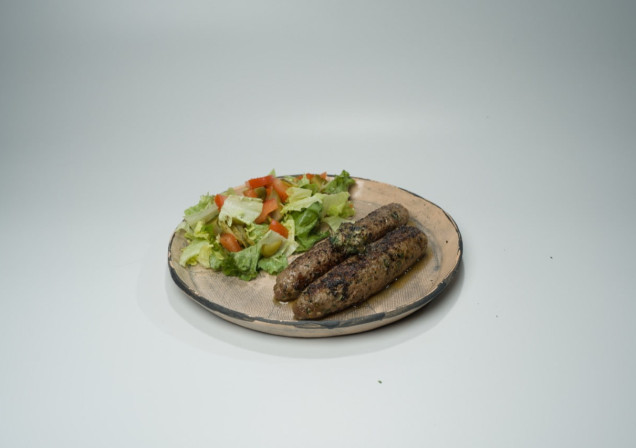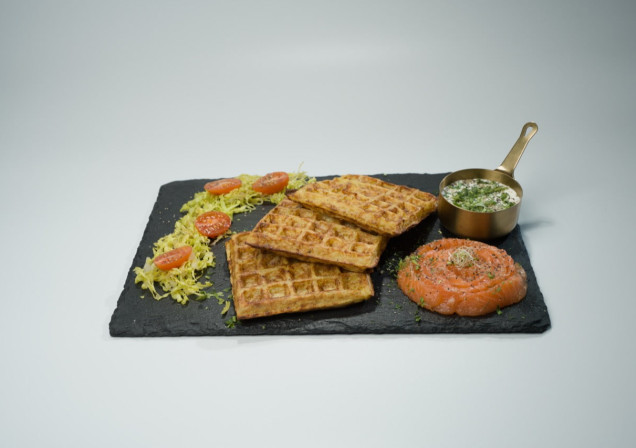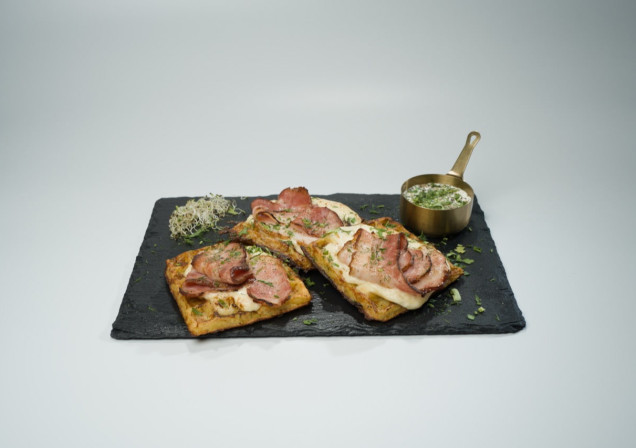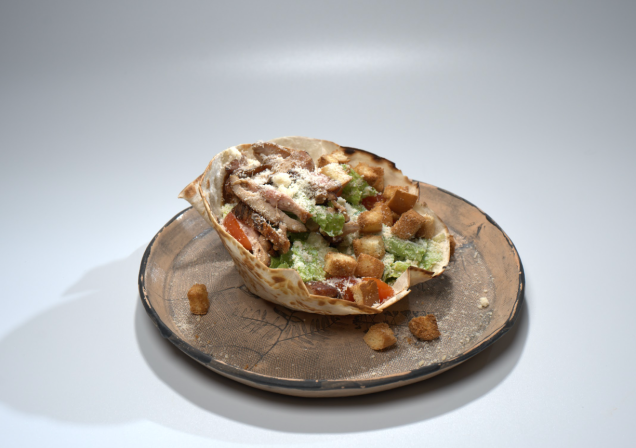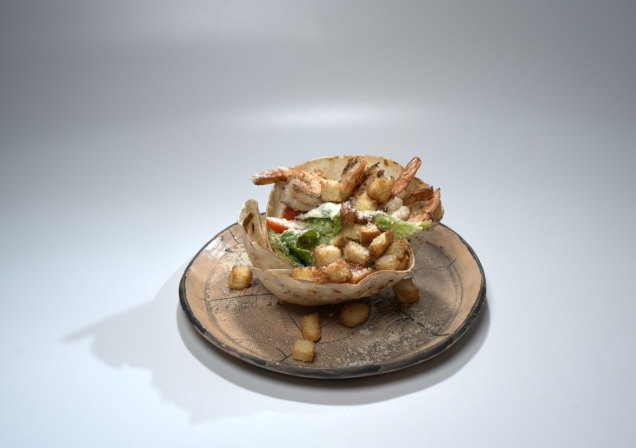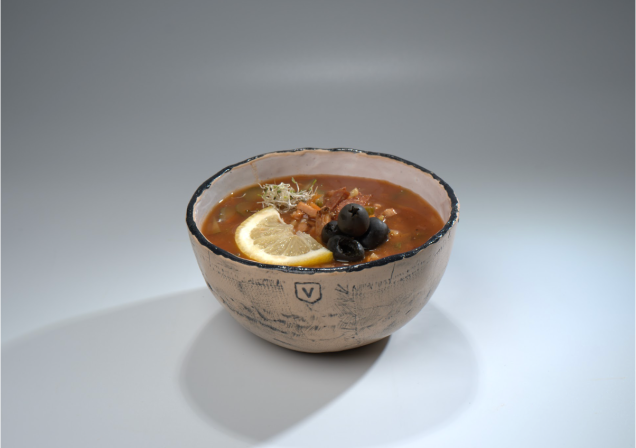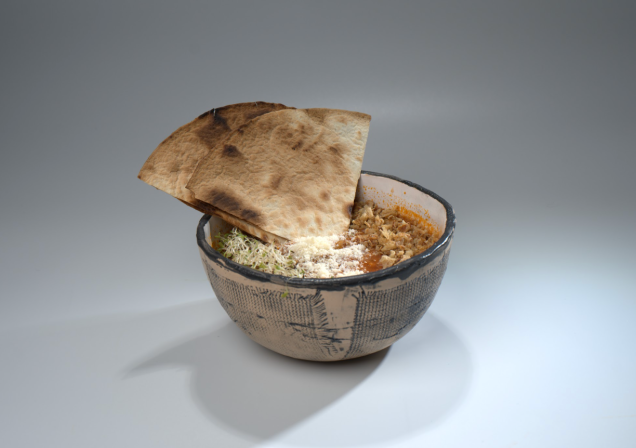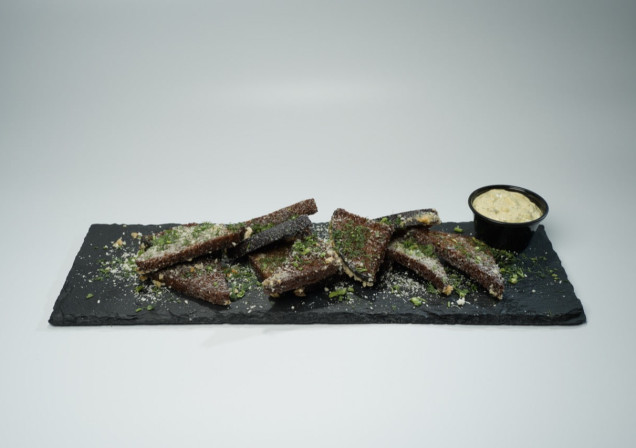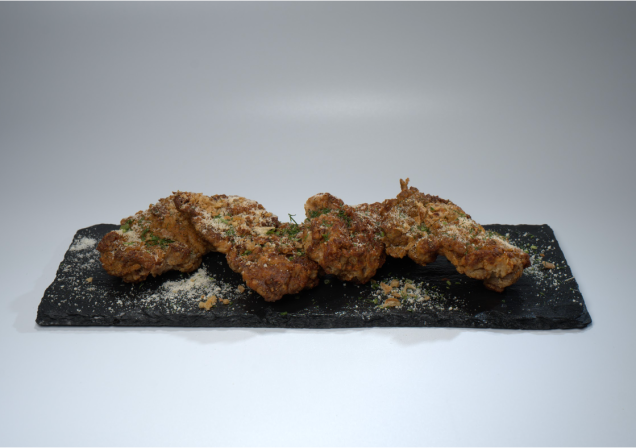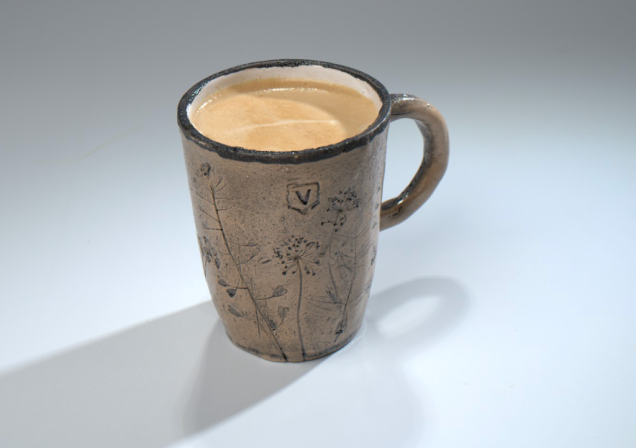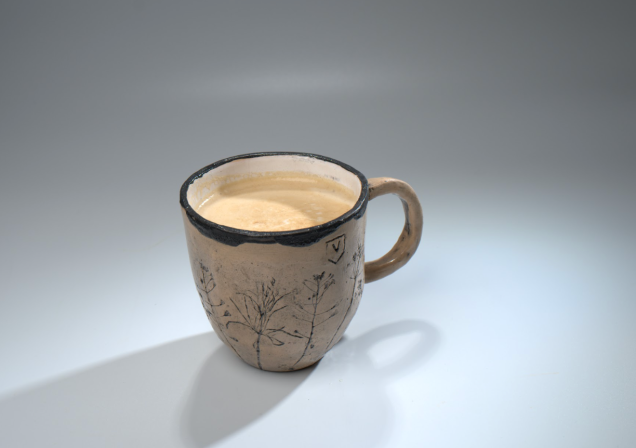

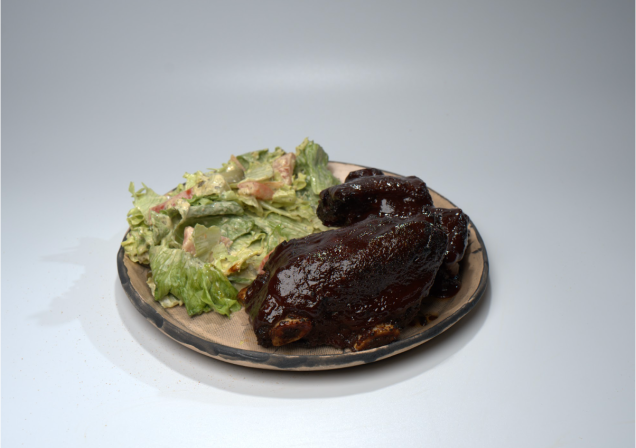
Signature Pork Ribs

Vairogi Steak Platter

Lamb Koftas

Potato pancakes with salmon


To reserve a table, simply click the button located just below the video at the top of the page. Enter the number of guests, select the date, and then provide your contacts. Click “Confirm” and wait for confirmation from the restaurant.
If you would like to order food for takeaway: Go to the GloriaFood app by clicking on the Order button in the “Restaurant” section. You will be redirected to the GloriaFood app, which is used to order food quickly and easily!
If the app is already installed on your device, you will be redirected to our restaurant’s page. Select all the dishes, then click Place order. Then select the delivery time and address, and click Confirm.
If the GloriaFood app is not installed on your device, you will be prompted to install it. Just click the Download button.
Rental point at "Vairogi" restaurant
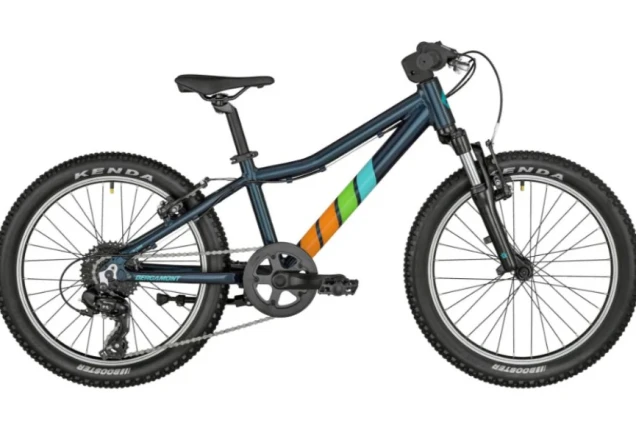
Heritage Route: Landscapes of Erberge
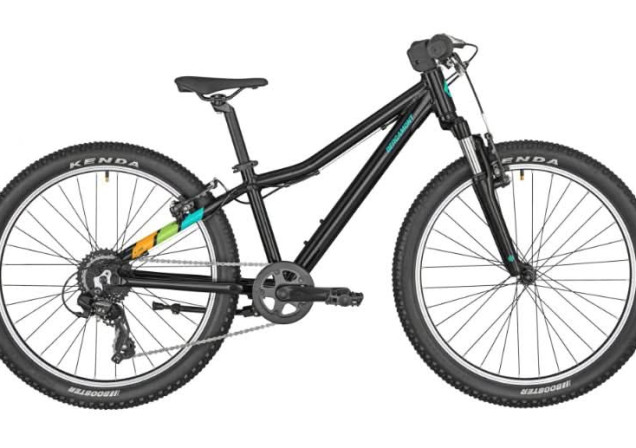
The HPP Route
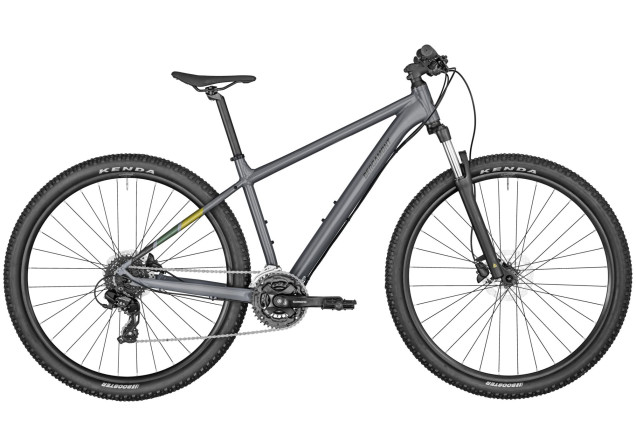
The Endurance Challenge!
Blind Bog Trail
Intermediate Level Route
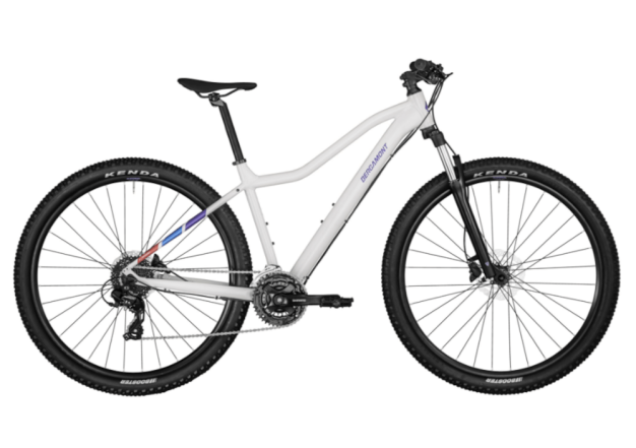
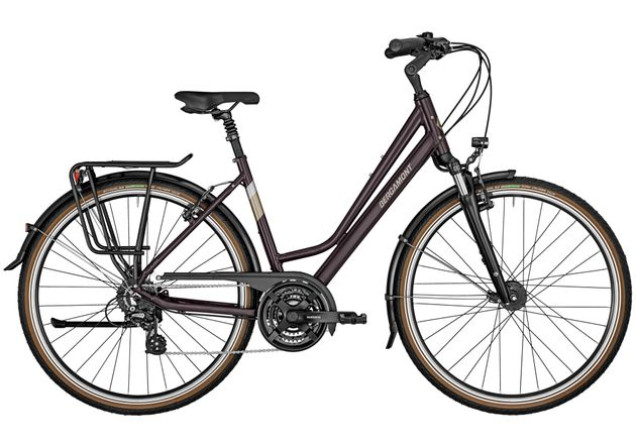
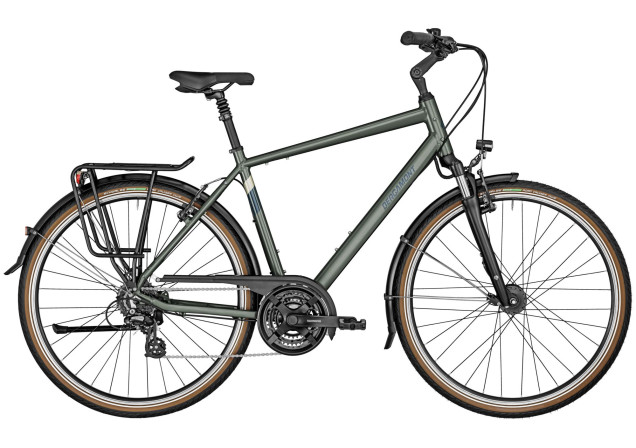
Select a bike and click on the Rent button.
You will be redirected to the app.booking.bike.rent — rentals are made through it, and it’s quick and easy!
If the app is already installed on your device, you will be redirected to the page of the selected bike. Just click Rent, select the time and location.
Follow the instructions to proceed checkout.
Rental point at "Vairogi" restaurant
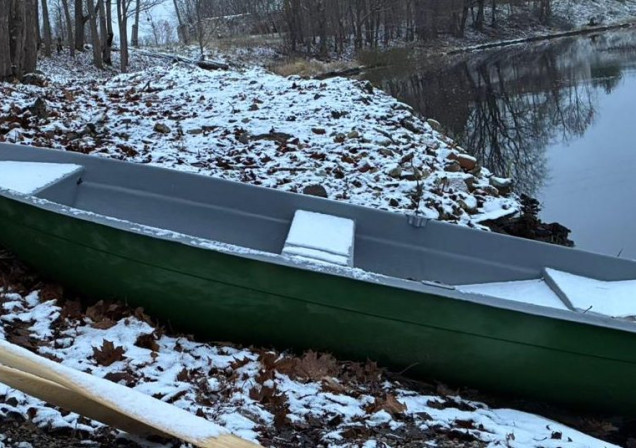
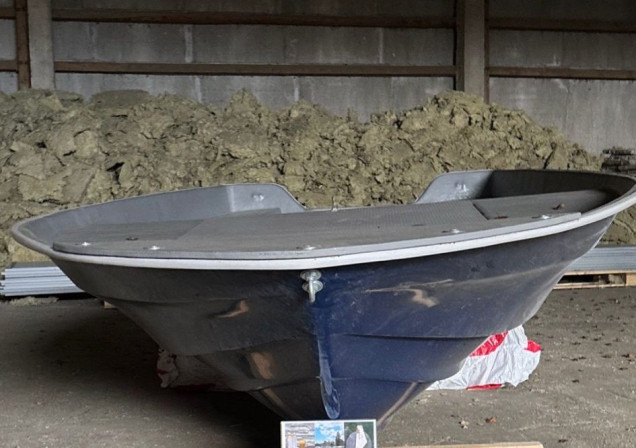
Select a boat and click on the Rent button.
You will be redirected to the app.booking.bike.rent — rentals are made through it, and it’s quick and easy!
If the app is already installed on your device, you will be redirected to the page of the selected bike. Just click Rent, select the time and location.
Follow the instructions to proceed checkout.
Make your trip to «Vairogi» truly special by joining one of our events. We are a vibrant hub for local culture and great food in every season!
We have tried to make the rental process as simple and quick as possible:
Select a bike and click on the Rent button.
You will be redirected to the app.booking.bike.rent — rentals are made through it, and it’s quick and easy!
If the app is already installed on your device, you will be redirected to the page of the selected bike. Just click Rent, select the time and location.
Follow the instructions to proceed checkout.
We have tried to make the process as simple and quick as possible:
Select a boat and click on the Rent button.
You will be redirected to the app.booking.bike.rent — rentals are made through it, and it’s quick and easy!
If the app is already installed on your device, you will be redirected to the page of the selected bike. Just click Rent, select the time and location.
Follow the instructions to proceed checkout.
We have tried to make the process as simple and quick as possible:
To reserve a table, simply click the button “Book a table”, located just below the video at the top of the page.
Enter the number of guests, select the date and provide your contacts.
You can also order takeaway – just click the “Order” button in the “Restaurant” section to access the GloriaFood app.
You will be redirected to the GloriaFood app, which is used to order food quickly and easily!
If the app is already installed on your device, you will be redirected to our restaurant’s page. Select all the dishes, then click Place order. Then select the delivery time and address, and click Confirm.
If the GloriaFood app is not installed on your device, you will be prompted to install it. Just click the Download button.